A link to set your password has been sent to: To access your purchases in the future you will need a password.
Free trial: Get 10 stock images, plus AI editing tools
New filters added
Sort by

2 431 results for technical difficulties screen in all

View technical difficulties screen in videos (729)
Retro TV screen displaying colorful vertical bars and snowy static, with 'PLEASE STAND BY' message.

00:10
Please Stand By text on the retro TV screen, no signal, silence, The classic TV static pattern. used when the network is experiencing technical difficulties in the middle of a broadcast.
00:10
This captures a distorted screen displaying technical difficulties with error messages and glitches, showcasing a malfunctioning digital system with vibrant red, blue, and black colors.
00:08
No signal broadcast on screen suitable for showcasing technical difficulties or broadcast interruptions in presentations, videos, or graphics related to technology.
00:30
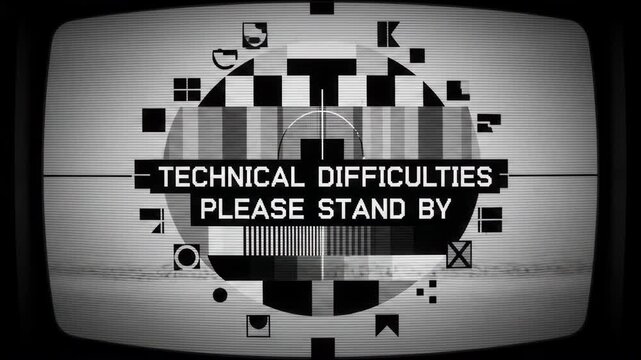
Technical difficulties retro vintage tv screen test pattern  broadcast. 4k video
00:10
Technical difficulties screen with glitch effect and static noise
00:05
Vivid color bars and grayscale patterns on a television screen signifying a lost broadcast signal and technical difficulties
00:05
please stand by glitch effect retro tv waiting screen broadcast error suitable for broadcast interruptions, digital errors, retro gaming, and technical difficulties messages
00:06
animated error television screen with technical difficulties text
00:08
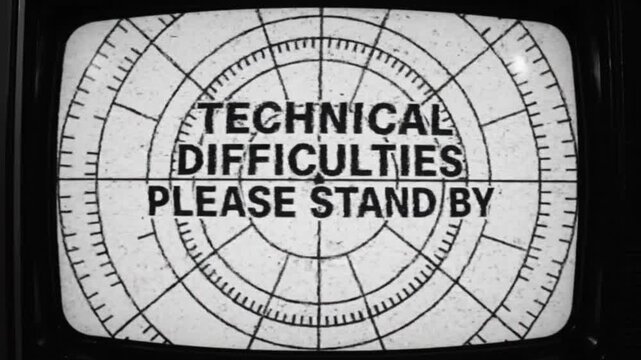
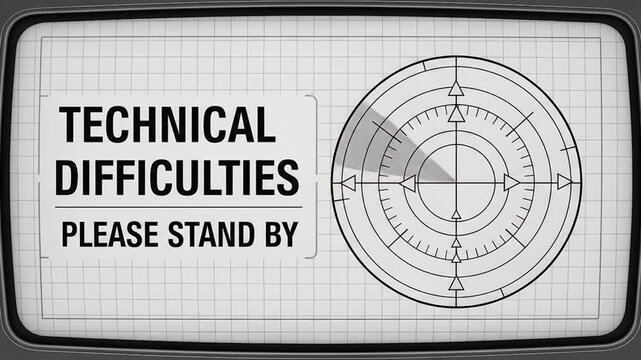
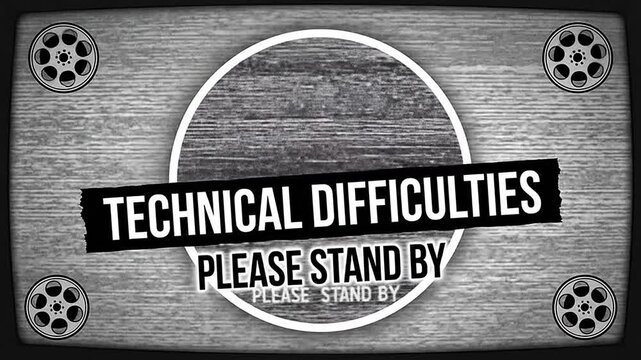
Vintage CRT screen with "Technical Difficulties Please Stand By" message and retro radar graphics.
00:07
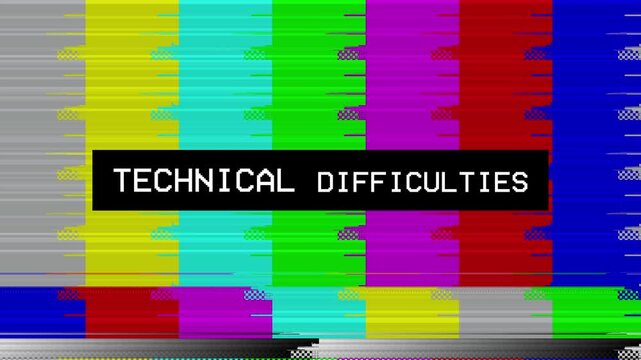
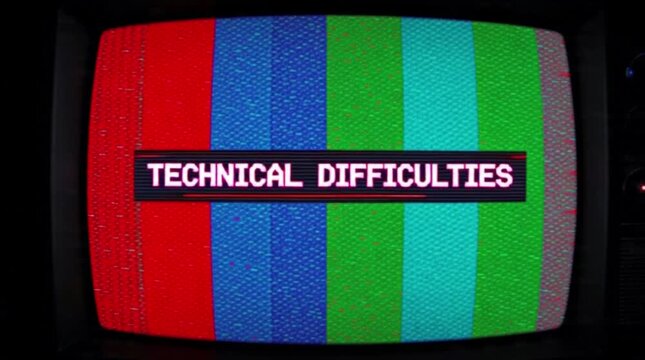
A vintage "Technical Difficulties" screen that resembles old-fashioned broadcast pauses with vertical colour bars and a pixelated message
00:09
Please Stand By text on the retro TV screen, no signal, silence, The classic TV static pattern. used when the network is experiencing technical difficulties in the middle of a broadcast.
00:10
This captures a screen displaying a no signal error message, indicating technical difficulties with a black background and white text.
00:08
Asian woman looking at her laptop screen with a concerned expression, possibly facing cybersecurity issues or troubleshooting technical difficulties.
00:10
Technical difficulties on no signal screen with glitch effect and colorful vertical bars display
00:15
Technical difficulties tv test pattern. broadcast retro vintage error screen. 4k video
00:10
Retro television screen with static and technical difficulties message
00:05
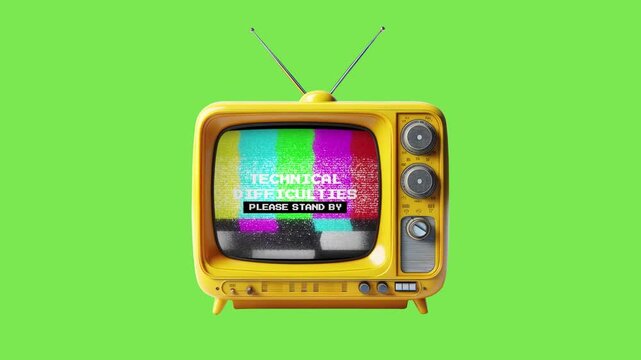
Technical difficulties TV screen showing please stand by. Suitable for presentations on IT issues, downtime, broadcasting problems, and technical difficulties.
00:10
Retro TV Technical Difficulty Screen Animation with bad interference signal
00:05
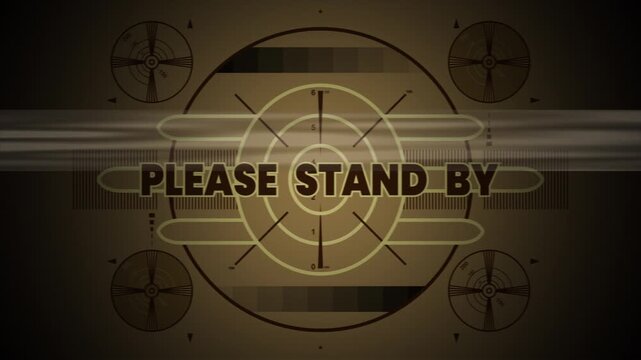
Technical Difficulties Please Stand By Broadcast Screen with Radar Target and Signal Interference
00:07
Please Stand by screen with glitch retro tv style message, perfect for video content during brief pauses or technical difficulties in productions.
00:10
This captures a close-up of a computer screen displaying a sea of code with a prominent error message in red, set against a dark background with blue binary code, highlighting technical difficulties
00:08
A computer screen displays a red warning triangle and error messages in a dark environment viewed from a close-up angle
00:08
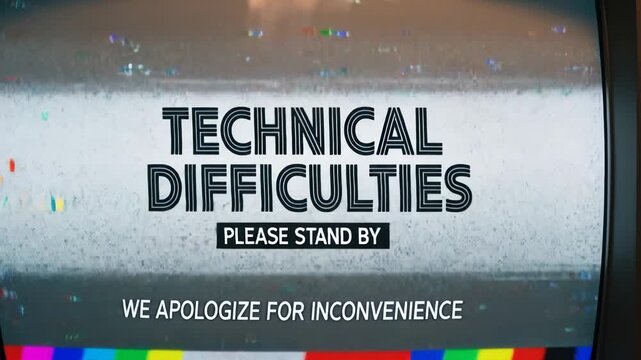
Technical difficulties please stand by warning screen
00:10
"Please Stand By" message displays on a retro TV, conveying a temporary interruption with glitch effects, a concept of technical difficulties and vintage aesthetic.
00:08
No Signal: Digital Disconnect: A static-filled display communicates the absence of a signal with a stark NO SIGNAL message, illustrating technical difficulties.
00:08
Technical difficulties colorful screen with retro vintage style design
00:05
Color bars. Vertical format 9x16. Suitable for mobile phones, websites, etc.
00:14
animation error television screen with technical difficulties text.vertical video
00:05
Vintage old tv written please stand by. Test pattern display. 4k animation.
00:06
Vintage television technical difficulties
00:08
This features a digital error screen with a prominent warning sign and distorted text on a dark background, illustrating technical difficulties and system failures in a futuristic and cyberpunk
00:09
A vintage 'Technical Difficulties' screen featuring vertical color stripes and a blocky message, reminiscent of traditional broadcast interruptions
00:09
Glitching be right back text on black background. 4K video animation. Perfect for video streaming or online content for pauses or technical difficulties.
00:10
Technical difficulties cause distortions in vintage TV test pattern. Suitable for retro design concepts or illustrating technology problems.
00:10
No signal broadcast message on black screen. Suitable for technology and communication concepts, depicting signal loss or technical difficulties creatively.
00:10
Vintage television test screen showing a distorted 'please stand by' message, symbolizing a broadcast interruption or technical difficulty
00:05
This shows a broadcast interrupted screen with a colorful graphic and text on a white background, indicating technical difficulties or an error in transmission.
00:08
Text network error displayed in red, perfect for illustrating technical difficulties in websites, software, or networking issues. Great for tech blogs or presentations. 4k alpha
00:06
TV Test Card: An old-school TV test card displays a message signaling technical difficulties and a request to stand by, invoking a sense of vintage media nostalgia.
00:08
Retro TV Technical Difficulties Screen Please Stand By
00:10
Retro TV screen displaying technical difficulties message with a static test pattern
00:08
4k stock greenscreen, white and black | Please standby message, suitable for broadcasting, technical difficulties, waiting, emergencies, and digital design projects.
00:06
Technical difficulties message with a digital glitch effect
00:08
Technical difficulties TV screen showing please stand by. Suitable for presentations on IT issues, downtime, broadcasting problems, and technical difficulties.
00:10