Shape stock content into your creative vision
Edit images and videos with AI-powered tools before licensing them
AI Studio

Transform images to match your vision
Edit stock images with AI-powered tools that give you precise control. Remove distractions, change backgrounds, adjust compositions, or describe the changes you want in plain language.
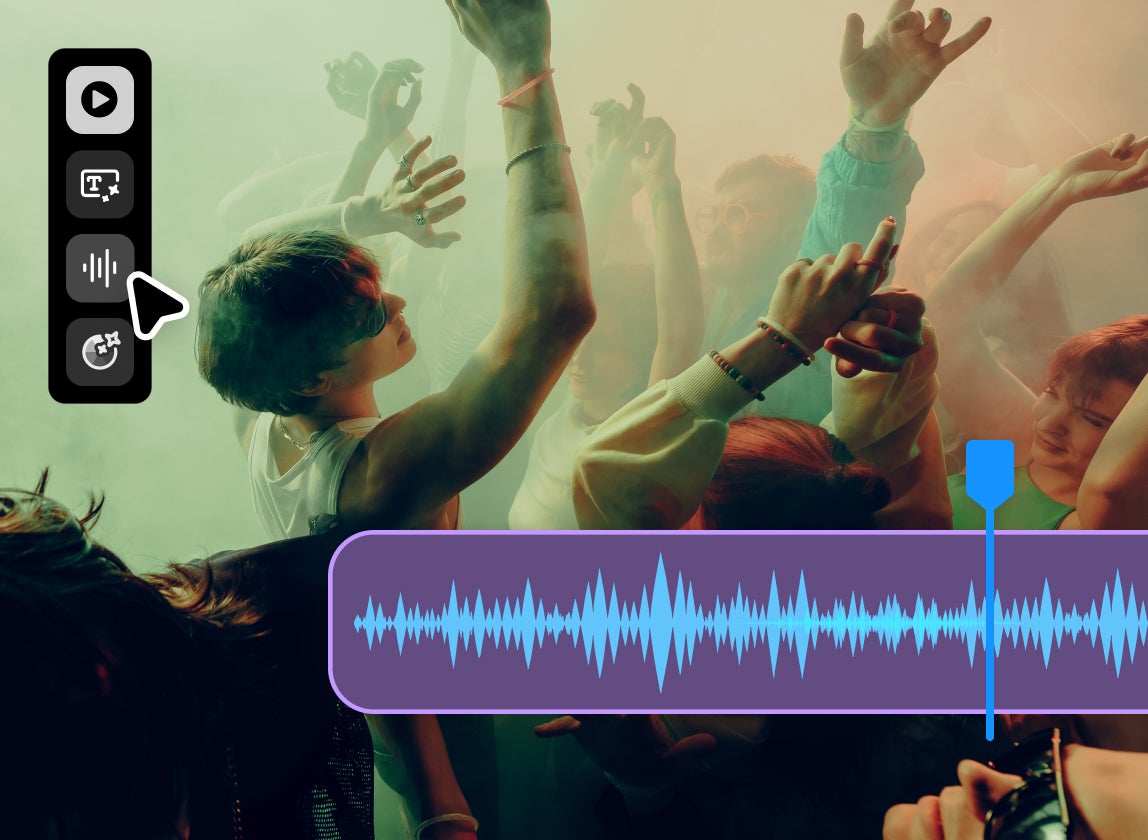
Shape video content on the fly
Make stock content work for your project. Sync the perfect audio and apply consistent brand colors to stock video, and animate still images to create engaging B-roll. AI Studio motion editing tools get you closer to your vision, faster.






AI-powered tools that you control
Why creative professionals choose AI Studio

Creative control

Speed and efficiency

Try before you license
FAQs
AI Studio lets you edit Adobe Stock images and videos with AI before you license them, so you can tailor assets to fit your project from the start. With AI Studio, you can change backgrounds, colors, and moods; expand image ratios to fit specific placements; apply styles; edit specific elements with a text prompt; and edit in bulk across multiple assets. If every Adobe Stock asset is a starting point, AI Studio helps you get it closer to what you need before you take it into your production workflow.

Your creative vision, without the compromise
Pairing a massive content library with the intuitive tools in AI Studio provides a new level of creative control over stock content — and with the confidence to use your edited content commercially, just as you'd expect from Adobe Stock. The result? Work that's unmistakably yours.