Create all-new scenes with the AI background remover
Describe your ideal background and AI generates the perfect setting for your image.
3 easy steps to change your background

Search stock
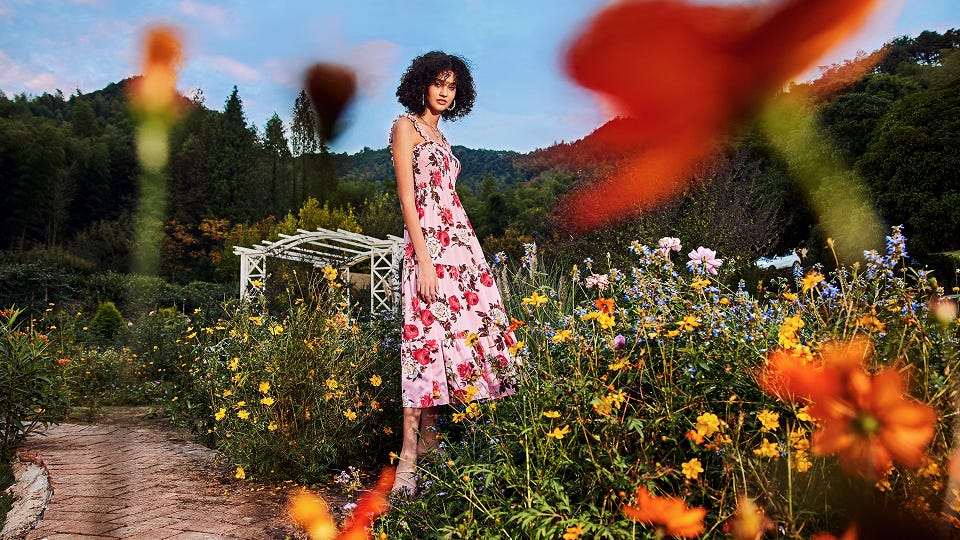
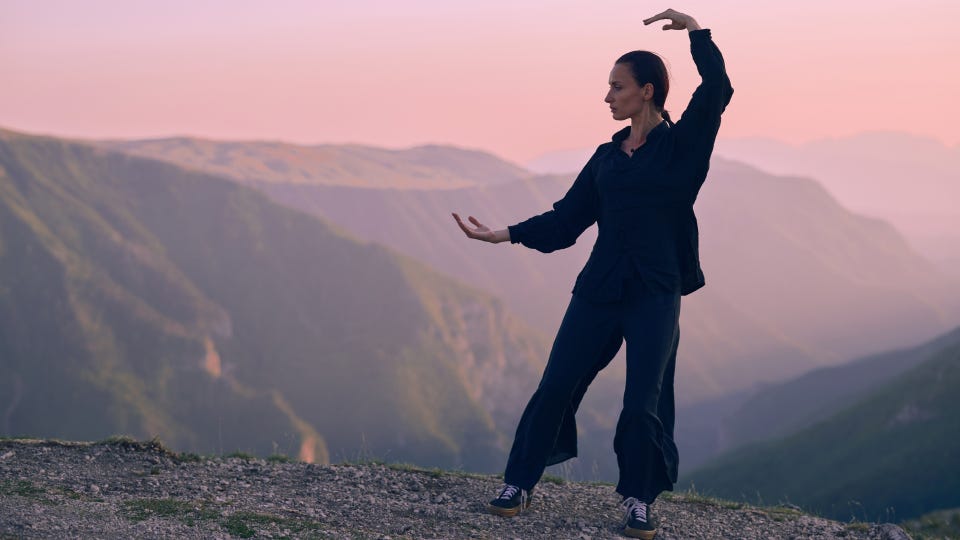
Search for, and select an image, like you normally do.

Select Change background
Select Change background in the editing panel.

Pick your background option
Describe the scene you want.
Describe the backdrop you envision
Describe your ideal background and AI generates it for you. Include details like colors, locations, objects, people, and textures — the more specific your description, the more precise your result.
Image edits
Motion edits
Generate


FAQ
Select a stock image, choose Change Background in the AI Studio editing panel, then describe the backdrop you want — including details like color, location, or setting. AI Studio generates a new background that fits the subject.

Your creative vision, without the compromise
Pairing a massive content library with the intuitive tools in AI Studio provides a new level of creative control over stock content — and with the confidence to use your edited content commercially, just as you'd expect from Adobe Stock. The result? Work that's unmistakably yours.